
Our offer is only for you if you are of legal age. Please confirm that you are at least 18 years old to proceed.


Chapter 5: XKAH Pro Tips & Tricks
 Updated 30.06.2026 7 min
 Quick overview
- Skipping the warm-up phase only makes sense with an already-warm pod, for example after the Classic Mode has run through – not with a cold pod.
- You switch from Classic to Custom Mode by holding the middle button and then setting the temperature and smoking time.
- You can swap the battery during the session: press the upper button on the back, insert the full spare battery and choose “keep smoking”.
- Charge the battery fully before the session and avoid deep discharge (about 2.5 hours charging time) – if needed you can even use it as a power bank.
- As a beginner it's best to start in Classic Mode and take the battery out before opening the device, which protects the hinge and battery.
The XKAH Pro too has a few functions and small tricks that you don't necessarily discover in your first session. Some make your everyday use easier, others help you smoke your pod for longer, protect the battery or understand the device better.
In this chapter we therefore show you a few practical tips that are especially helpful once you've used the XKAH Pro a few times and want to get a bit more out of your session.
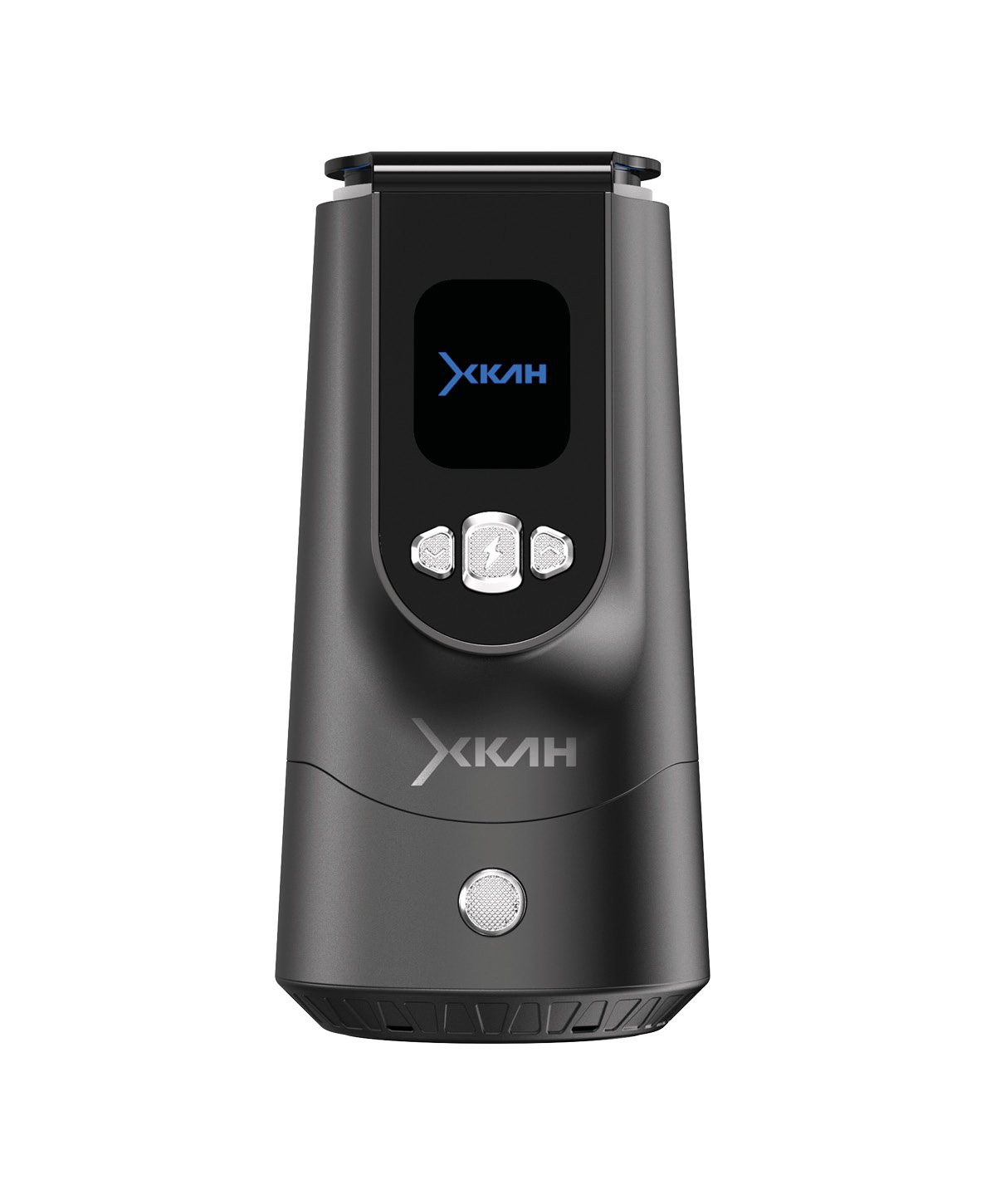 XKAH XKAH Pro – electric HMD & Smokebox To the product
 Skipping the warm-up phase on the XKAH Pro – when does it make sense?
On the XKAH Pro it's possible to skip the warm-up phase. As a rule, though, we recommend letting it run through normally. The XKAH Pro brings the pod up to temperature in a controlled way and ensures the heat can build up evenly.
But there's one case where skipping can make sense: when the Classic Mode has already run through completely and you think the tobacco in the pod isn't fully used up yet.
Then you can start a new session in Custom Mode, for example at 240 °C for about 40 minutes. Since the pod has already been heated, you don't have to run through the pre-heat phase completely again. You skip the warm-up by holding the middle button longer during the heating phase.
Not with a cold pod: Don't skip the warm-up phase directly with a cold pod. If the tobacco isn't heated yet, the result will be weaker or more uneven. Skipping is only worth it if the pod is already warm and you want to continue a session – not for starting with a cold pod.
Switching from Classic Mode to Custom Mode
If you've started a session in Classic Mode and later want more control over temperature and runtime after all, you can switch to Custom Mode.
To do this, hold the middle button until the XKAH Pro switches back to the start menu. Then select Custom Mode and set your desired smoking time and temperature.
If you already had a complete heating phase in Classic Mode beforehand, you can skip the warm-up phase in Custom Mode. That way you don't have to wait unnecessarily and continue your session with a more individual temperature.
Swapping the battery during the session
First things first: it's not advisable to let the battery run completely empty. A deep discharge can permanently reduce the capacity. So if the battery gets clearly low, better swap it in time or recharge it.
That's exactly why an XKAH Pro spare battery is worth it: if the battery runs out during a session, you simply swap it for a full one.
To do this, stay in your smoking mode and remove the almost-empty battery by pressing the upper button on the back of the XKAH Pro. The battery pops out and can be taken out. Then insert the full spare battery and make sure it clicks in properly.
The XKAH Pro then restarts and asks on the screen whether you want to keep smoking or start over. Choose “keep smoking” and confirm with the middle button. After that you finish your pod in a relaxed way while the empty battery recharges in the meantime.
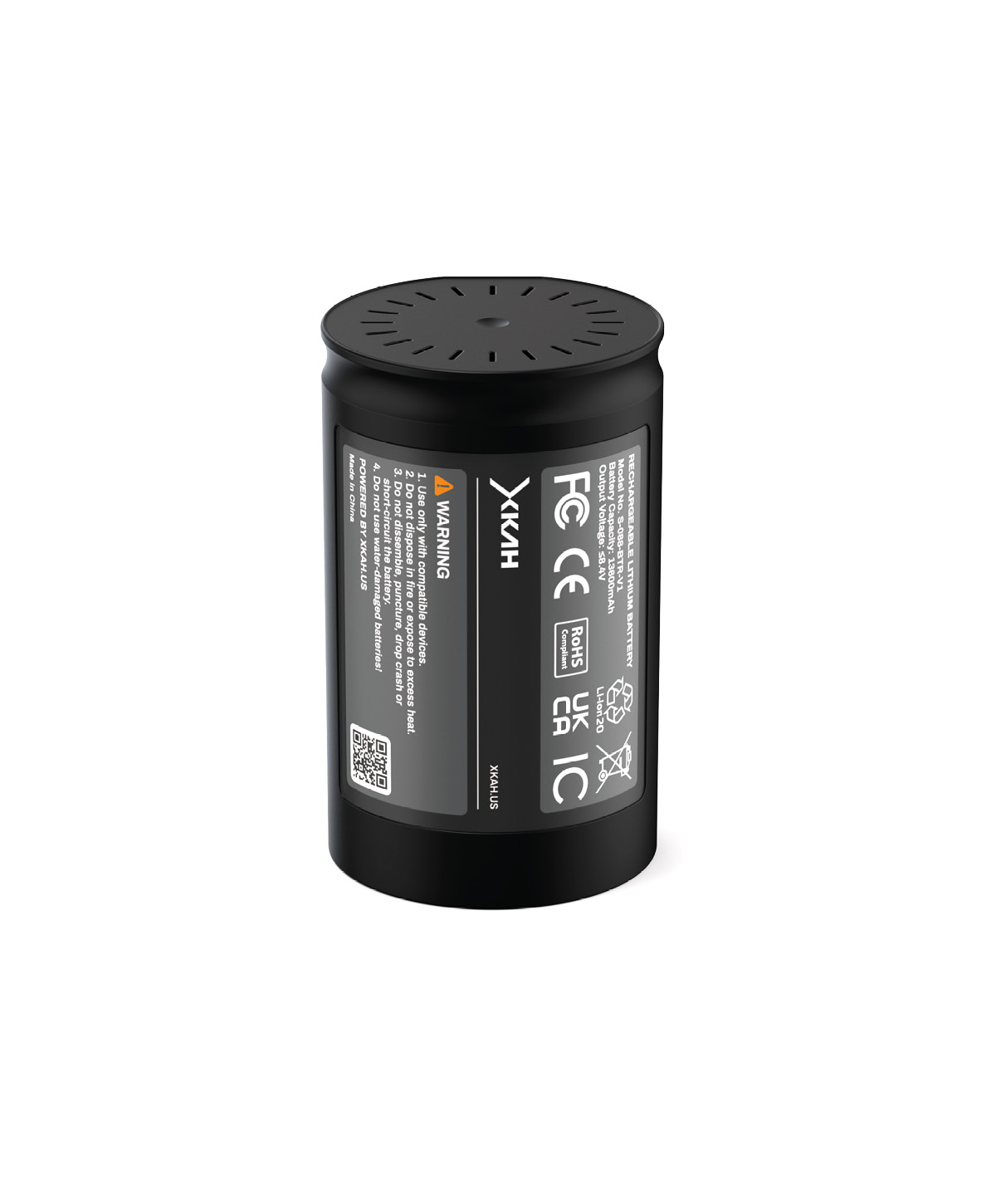 XKAH XKAH Pro Battery – spare battery To the product
 Charging and protecting the battery correctly
The XKAH Pro's battery needs, depending on the charger, about 2.5 hours for a full charge. For the longest possible lifespan you shouldn't store it permanently completely discharged and shouldn't regularly run it down to zero.
It's best to charge the battery fully before your session. If you plan longer sessions or smoke with several people, a second battery is especially handy – that way you don't have to wait until the first one is charged again.
An extra tip: the XKAH Pro's battery can also be used as a power bank for your smartphone. Especially out and about or when travelling this is handy, because you not only power your session but can also charge your phone in an emergency.
Tip for absolute beginners: use Classic Mode first
If your XKAH Pro is brand new and you don't have a feel yet for pod building, tobacco amount and temperature, you can happily use Classic Mode for the first sessions.
Classic Mode does smoke a bit weaker than a well-set Custom Mode, but it's less error-prone. Especially at the start this helps you concentrate on the pod build first.
After a few pods you get a better feel for how loosely you should build the tobacco and which tobacco amount works for you. Then you switch to Custom Mode and play with the heat.
Nicotine and throat kick on the XKAH Pro
A special feature of the XKAH Pro: you often notice the nicotine quite clearly at the start of the session, especially with Darkblend. The throat kick can be stronger than expected at the beginning, but noticeably flattens out over the course of the session.
Interestingly, later in the session the throat kick can even feel weaker than with a classic multi-hole bowl. That's because heat, tobacco and moisture behave differently in the pod than in a traditional bowl with charcoal. If the start is too intense for you, experiment with the settings in Custom Mode.
Practical tip: take the battery out before opening
Take the battery out of the XKAH Pro after the session before you open the device. The battery is relatively heavy, and the momentum when opening can put additional strain on the hinge.
If you take the battery out beforehand, you clearly reduce this strain. At the same time it's gentler on the battery if it doesn't stay in the warm device unnecessarily after the session. A small step that pays off in the long run – you protect the hinge and battery alike.
Conclusion: small steps, big effect
Many XKAH Pro tips aren't complicated tricks, but small routines that make your use more pleasant. Classic Mode helps you get started, Custom Mode gives you more control later, and skipping the warm-up phase makes sense when your pod is already warm.
A second battery makes longer sessions more relaxed, swapping the battery during the session is straightforward and taking the battery out before opening protects the hinge. Add to that details like the power bank function or working more consciously with temperature and throat kick. If you keep these points in mind, you'll use the XKAH Pro more easily, more gently and more efficiently.
XKAH XKAH Pro Battery – spare battery To the product FAQ – Tips & Tricks for the XKAH Pro
Can I skip the warm-up phase on the XKAH Pro?
Yes, but it only makes sense with an already-warm pod – for example when the Classic Mode has run through and there's still tobacco in the pod. Hold the middle button longer during the heating phase. With a cold pod you shouldn't skip the warm-up phase.
How do I switch from Classic to Custom Mode?
Hold the middle button until the XKAH Pro switches to the start menu, select Custom Mode and set the smoking time and temperature. If there was already a heating phase in Classic Mode before, you can skip the warm-up in Custom Mode.
Can I swap the battery during the session?
Yes. Press the upper button on the back of the XKAH Pro, the battery pops out. Insert the full spare battery, make sure it clicks in and, after the restart, choose “keep smoking”, confirming with the middle button.
How long does the XKAH Pro's battery take to charge?
Depending on the charger, about 2.5 hours for a full charge. Charge it fully before the session, avoid deep discharge – and if needed even use it as a power bank for your smartphone.
Should I take the battery out before opening?
Yes. The battery is relatively heavy, and the momentum when opening strains the hinge. If you take it out beforehand, you protect the hinge and battery alike.
The complete XKAH Pro Guide
Knowledge