
Our offer is only for you if you are of legal age. Please confirm that you are at least 18 years old to proceed.


Chapter 4: Solutions for Problems with the XKAH Pro
 Updated 30.06.2026 11 min
 Quick overview
- If the device won't start, the cause is usually dirty contact points or a battery that doesn't click in – clean with a cotton swab and reinsert.
- Little smoke? Check the pod and grommet – and check whether the device is accidentally set to Fahrenheit instead of Celsius.
- Always charge the battery fully and avoid deep discharge; a spare battery is worth it for long sessions.
- Frozen display: remove the battery, wait briefly, clean the contacts and reinsert.
- Ring of Death and a broken hinge are warranty cases – don't repair them yourself, report them via the XKAH warranty claim form.
Even though handling the XKAH Pro is fairly straightforward in everyday use, questions or minor problems can come up during use: the device won't start, there's little smoke, the battery doesn't click in properly or the display doesn't respond as usual. In many cases, though, the causes can be found quickly and fixed with just a few steps.
Before you contact support directly, it's therefore worth taking a quick look at the most common sources of error. Many problems are related to dirty contact points, a grommet that isn't seated properly, dirty pods or a wrong setting.
Solving common XKAH Pro problems quickly
Should you run into problems during use, we've prepared some help and solutions for you. The most common topics concern starting the device, the battery, smoke development, the temperature setting or visible error messages on the device.
In the following video you'll find a quick overview of the typical problems and what you should check first:
If these tips don't help or your device shows a defect, please contact our support. We'll help you assess the problem and take care of the next steps.
Need help or is your device showing a defect? Our XKAH Support is here for you.
Problem 1: The XKAH Pro won't start
If the XKAH Pro won't start even though the battery is charged, the cause often isn't the device itself. In many cases the battery isn't recognised correctly or the contact points are dirty.
Cause A: The contact points are dirty
If the battery is fully charged and inserted but the XKAH Pro still doesn't respond, you should first check the contact points. Fine residues of dust or dirt collect on the underside of the battery over time – as a result the device may not recognise the battery correctly.
Take a cotton swab and gently rub over the contact points on the underside of the battery. Then reinsert the battery and press the start button five times. In many cases the device starts normally again after that.
Cause B: The battery doesn't click in properly
If the battery doesn't click in properly, first check whether tobacco residues, dust or other residues are on the underside of the battery or in the battery compartment. The underside of the battery should be completely smooth and clean.
Clean the area carefully and reinsert the battery. If it still doesn't click in, there may be a mechanical problem. If you have a second battery or a second device to hand, you can test whether the problem is with the battery or the device. If it persists, please get in touch with our support.
Battery won't click in despite clean contacts? Get in touch with our XKAH Support.
Problem 2: No smoke or hardly any flavour
If the XKAH Pro heats but hardly any smoke or flavour develops, there can be several causes. Often it's due to a dirty pod, a leaky connection, a wrong grommet or an unintended temperature setting.
Cause A: Pod or device are dirty
A dirty pod clearly affects the smoking behaviour. If old tobacco residues, molasses or burnt-in residues sit in the pod, the heat can no longer act evenly – the result is often less smoke, weaker flavour or more unpleasant smoking behaviour.
Clean the pod thoroughly after every session and make sure the lower grille is clean too. In addition, you should care for the XKAH Pro regularly so that no residues collect in the relevant spots.
Cause B: Wrong or leaky grommet
The connection between the XKAH Pro and the hookah also has to be completely airtight. If air is drawn in here, the result suffers noticeably – it can happen that hardly any smoke or flavour develops despite a working heater.
Use only the supplied XKAH grommets. They're available in two sizes and ensure that the XKAH Pro sits cleanly and airtight on your hookah. Before the session, check that the XKAH Pro sits firmly and no air can escape at the connection.
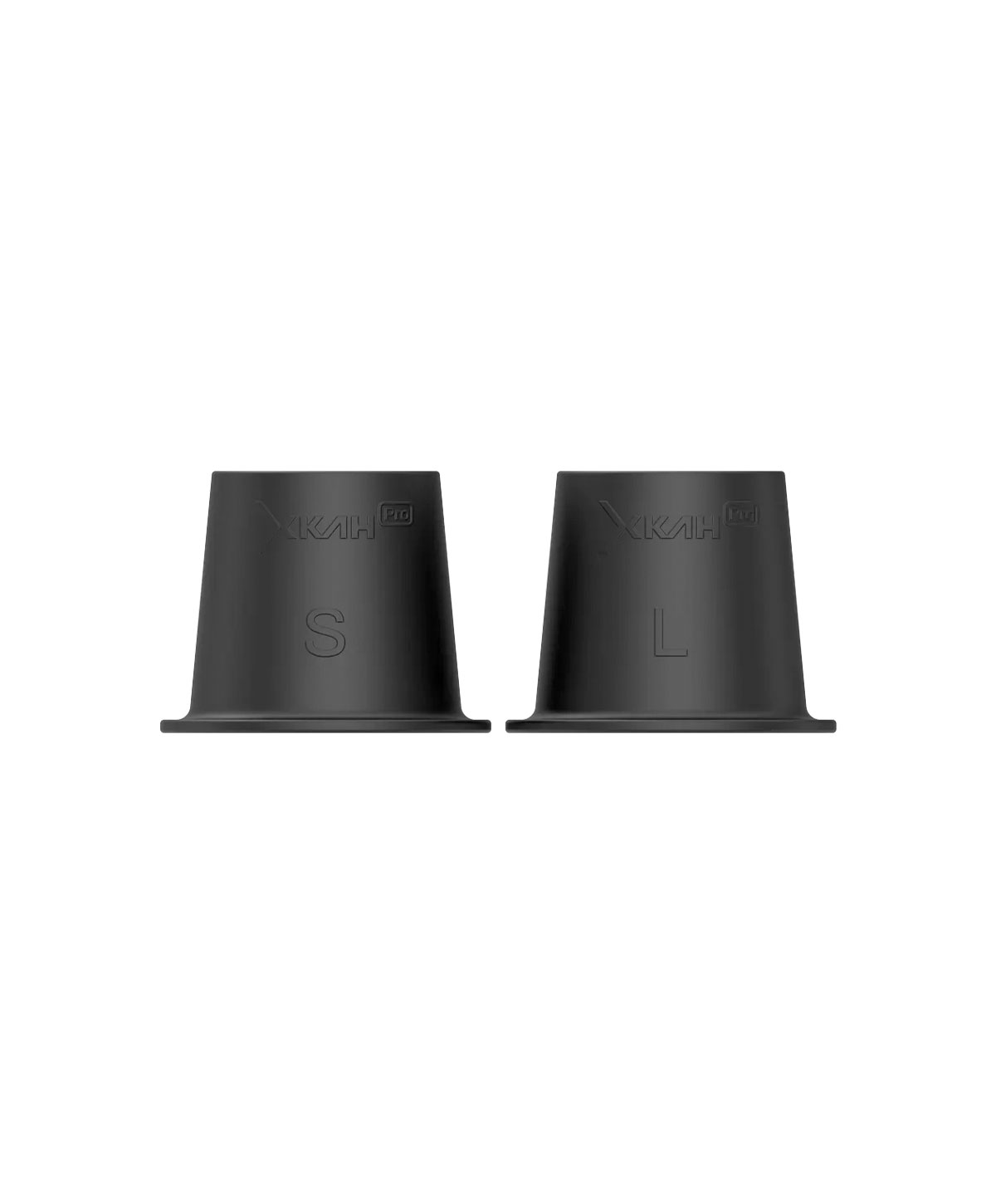 XKAH XKAH Pro Replacement Grommet To the product
 Cause C: Device is set to Fahrenheit instead of Celsius
If you think your XKAH Pro no longer heats properly, be sure to check whether your device has accidentally switched from °C to °F. You can see this in Custom Mode in the temperature setting.
If, for example, 262 °F is shown, that only corresponds to about 128 °C. That's far too low and can be the reason why hardly any smoke develops or the flavour stays weak.
How to switch back: Go into Custom Mode and open the temperature setting window. Hold the two outer buttons there until the display switches back to °C (Celsius).
Problem 3: The battery no longer lasts 2 hours
The XKAH Pro's battery is designed for a runtime of up to 2 hours. This figure depends heavily, though, on how the battery is cared for and used. If your battery lasts considerably shorter, you should first check your charging habits.
Charge the battery fully before every session and don't start with a half-full battery. Also avoid deep discharge: don't let the battery run down to zero completely and don't leave it lying around discharged for a long time. Such use can permanently reduce the maximum capacity.
The XKAH Pro signals a low battery level with three short beeps. If you hear this signal, you should charge the battery in time or swap it for a full one.
A second spare battery is especially worth it if you regularly smoke longer sessions or use it with several people. That way you simply swap and recharge the empty battery in a relaxed way, without interrupting the session.
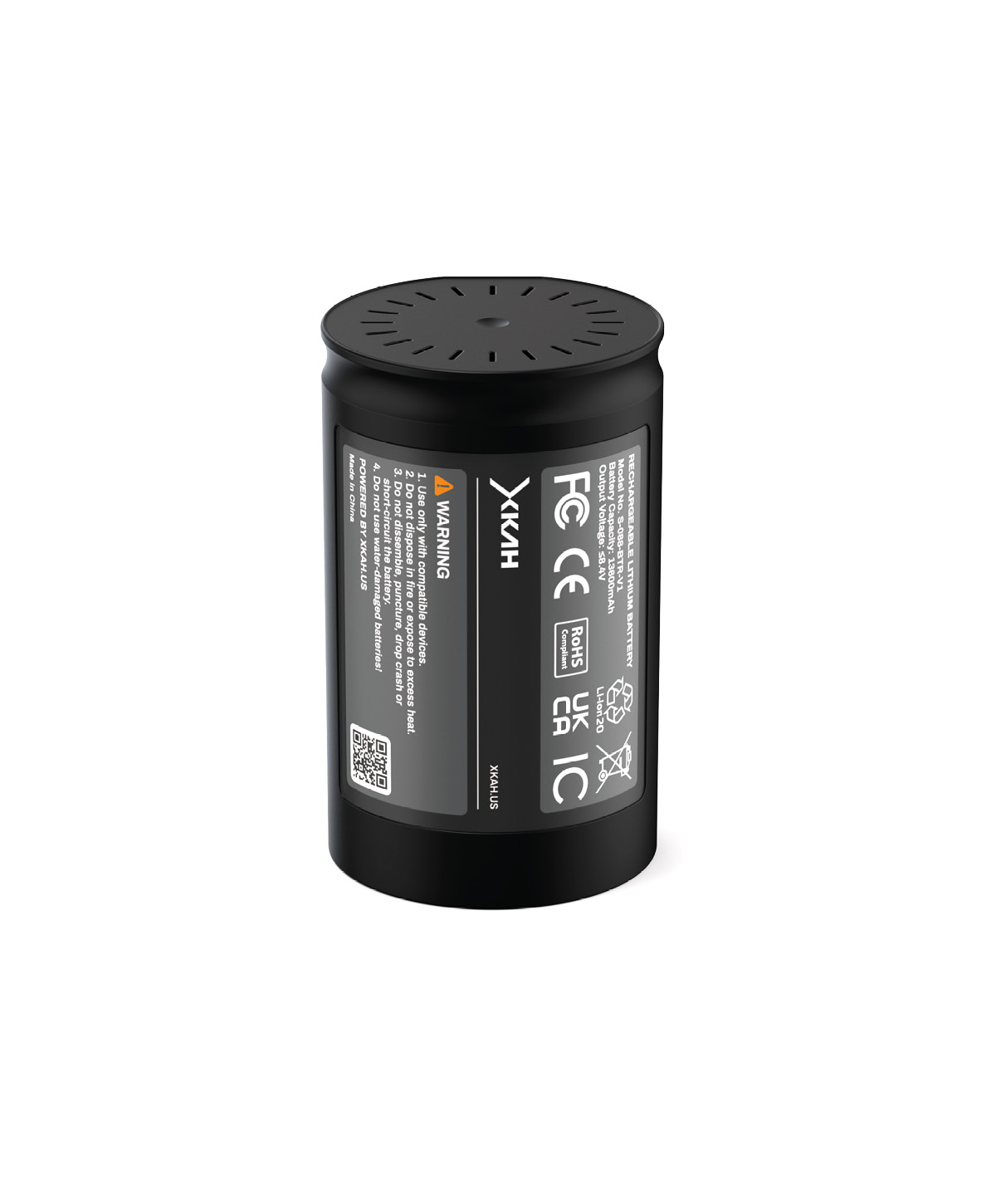 XKAH XKAH Pro Battery – spare battery To the product
 Problem 4: Display shows nothing or is frozen
If the display shows nothing, seems frozen or the device doesn't respond as usual, first check the simple points. Take the battery out of the device, wait briefly and reinsert it. Also check the contact points on the battery and clean them carefully with a cotton swab if needed.
If the display responds normally again afterwards, the problem was probably a contact or recognition error. If it stays black, frozen or the error keeps coming back regularly, you should contact support.
Display staying black or frozen? Our XKAH Support will help you.
Known problems covered by warranty
There are also errors you can't fix yourself. These include above all the so-called Ring of Death and a broken hinge.
Ring of Death: If the XKAH Pro lights up red and can no longer be used normally, don't start any repair attempts yourself, but contact support directly.
You'll recognise a broken hinge by the fact that the pod can no longer be inserted properly or the device no longer starts as a result. This too can't be solved by normal cleaning or simple steps.
In both cases it's best to fill in the warranty claim form. As a distribution partner of XKAH, we take over the warranty and handle the further processing without complications.
Summary: What to check before a warranty claim
Before you submit a warranty claim, you can quickly check a few points yourself. Often this already shows whether it's an operating, cleaning or contact problem:
- Is the battery fully charged and does it click in properly?
- Are the contact points on the battery clean? Clean with a cotton swab if needed.
- Are pod, grommet and device clean and does the XKAH Pro sit airtight on the hookah?
- Is the temperature unit in Custom Mode set to °C – and not accidentally to °F?
If these points don't help or a mechanical defect is visible, contact our support.
Filing a warranty claim for the XKAH Pro: how it works
You've tried all the tips, but your XKAH Pro still doesn't work as usual? Then there may be a defect that you can't fix yourself. In that case you can submit your warranty claim directly via our XKAH claim form.
So that we can check your case quickly and help you without complications, it's important that you fill in the form as completely as possible. The more precise your details, the faster we can assess the problem and initiate the next steps.
Defect on the device? File your warranty claim directly via the XKAH claim form.
Page 1: Your customer data
On the first page you enter your personal data: first name, last name, email address and phone number. We need this information so we can reach you for queries and clearly assign your claim. Then you confirm the entry and move to the next page.
Page 2: Information about the purchase
On the second page you provide all the information about your purchase: where you bought your XKAH Pro, when the purchase took place and which order number belongs to it.
In addition, you upload your invoice. That's important so we can trace your purchase and check the warranty. Make sure the invoice is clearly legible and all relevant information is recognisable.
Page 3: Information about the defect
On the last page you describe the defect in more detail. First select or enter the model name, for example XKAH Pro Graphite. Then you give the batch number – you'll find it on the underside of the hinge.
Then you briefly describe the type of defect and add further details in the comment field. The more precisely you explain what happened, when the error occurs and what you've already tried, the better we can assess your case.
In addition, you upload a photo of the device or the visible fault. If the defect is visually recognisable – for example with a broken hinge – the image should clearly show the affected spot. For the Ring of Death, a photo or video of the display is helpful. Finally, you provide your shipping address in case a replacement delivery is necessary.
Submitting the claim
Once all the details are complete, you can submit the claim. We'll then check your case as quickly as possible and get back to you with the next steps.
As a distribution partner of XKAH, we take over the warranty and make sure your case is handled without complications. Please always submit the claim via the form so that all important information reaches us completely right away.
All filled in? Submit your warranty claim now via the XKAH claim form.
FAQ – common questions about problems with the XKAH Pro
Why won't my XKAH Pro start?
If the XKAH Pro won't start, first check the battery. It should be fully charged, click in properly and have clean contact points. Clean the contact points carefully with a cotton swab if needed and reinsert the battery.
Why is there hardly any smoke from my XKAH Pro?
Little smoke can be caused by a dirty pod, a leaky grommet, a wrong pod build or a temperature that's too low. Also check whether your device is accidentally set to Fahrenheit instead of Celsius.
How do I switch the XKAH Pro back from Fahrenheit to Celsius?
Go into Custom Mode and open the temperature setting. Hold the two outer buttons of your XKAH Pro there until the display switches back to °C.
What does it mean when the XKAH Pro lights up red?
If the XKAH Pro lights up red and can no longer be used normally, it may be the so-called Ring of Death. In that case you should contact support and not start any repair attempts yourself.
What do I do if the battery doesn't click in?
First check whether tobacco residues or dirt are on the underside of the battery or in the battery compartment. If everything is clean and the battery still doesn't click in, there may be a mechanical problem. In that case you should contact our support.
How can I contact support?
If the described solutions don't help, you can get in touch with our support directly. Use the XKAH support and warranty claim page for that.
Conclusion: many XKAH Pro problems can be fixed quickly
Problems with the XKAH Pro often have simple causes. Dirty contact points, a battery that isn't seated cleanly, residues in the pod, a leaky grommet or a wrong temperature unit can usually be checked and fixed quickly.
If your device won't start, hardly any smoke develops or the battery doesn't work as usual, go through the points step by step. That way you often find the cause within a few minutes. With a defect like the Ring of Death or a broken hinge, contact our support – we'll take care of the right solution.
Stuck or is your device showing a defect? Here's the way to XKAH Support & the warranty claim form.
You might also be interested in
Knowledge